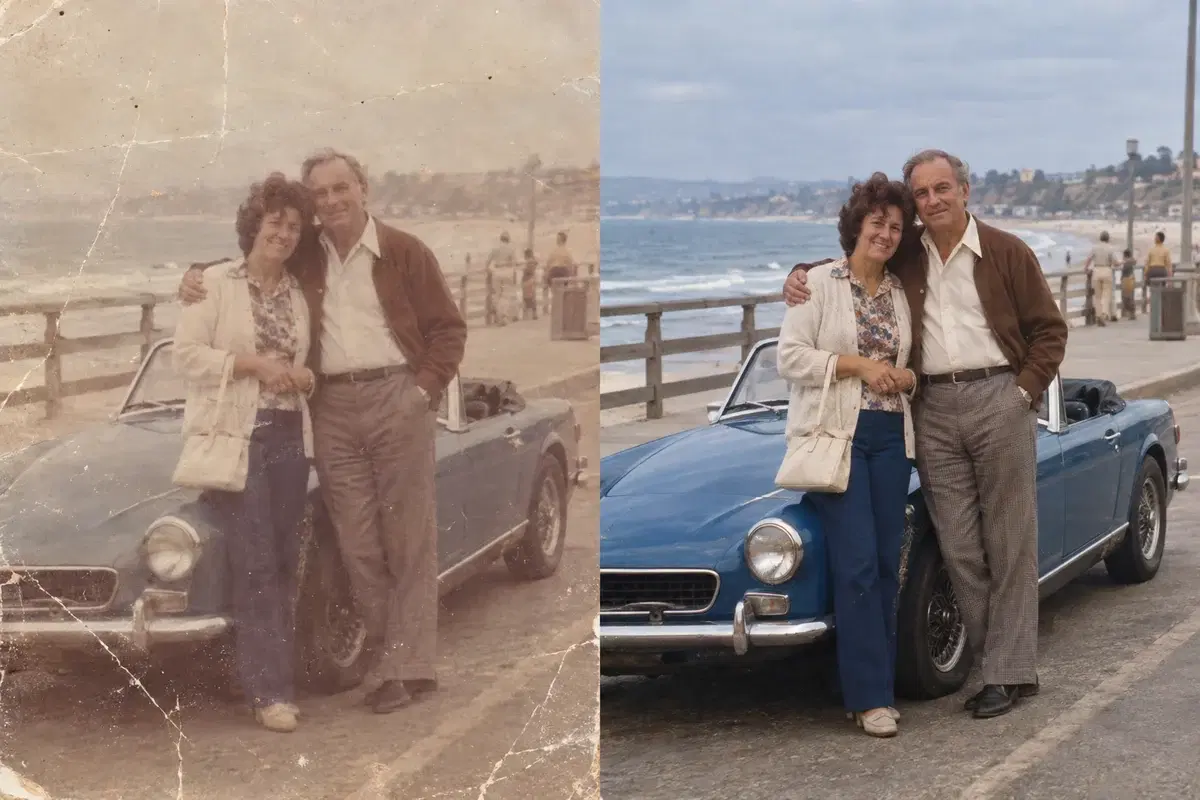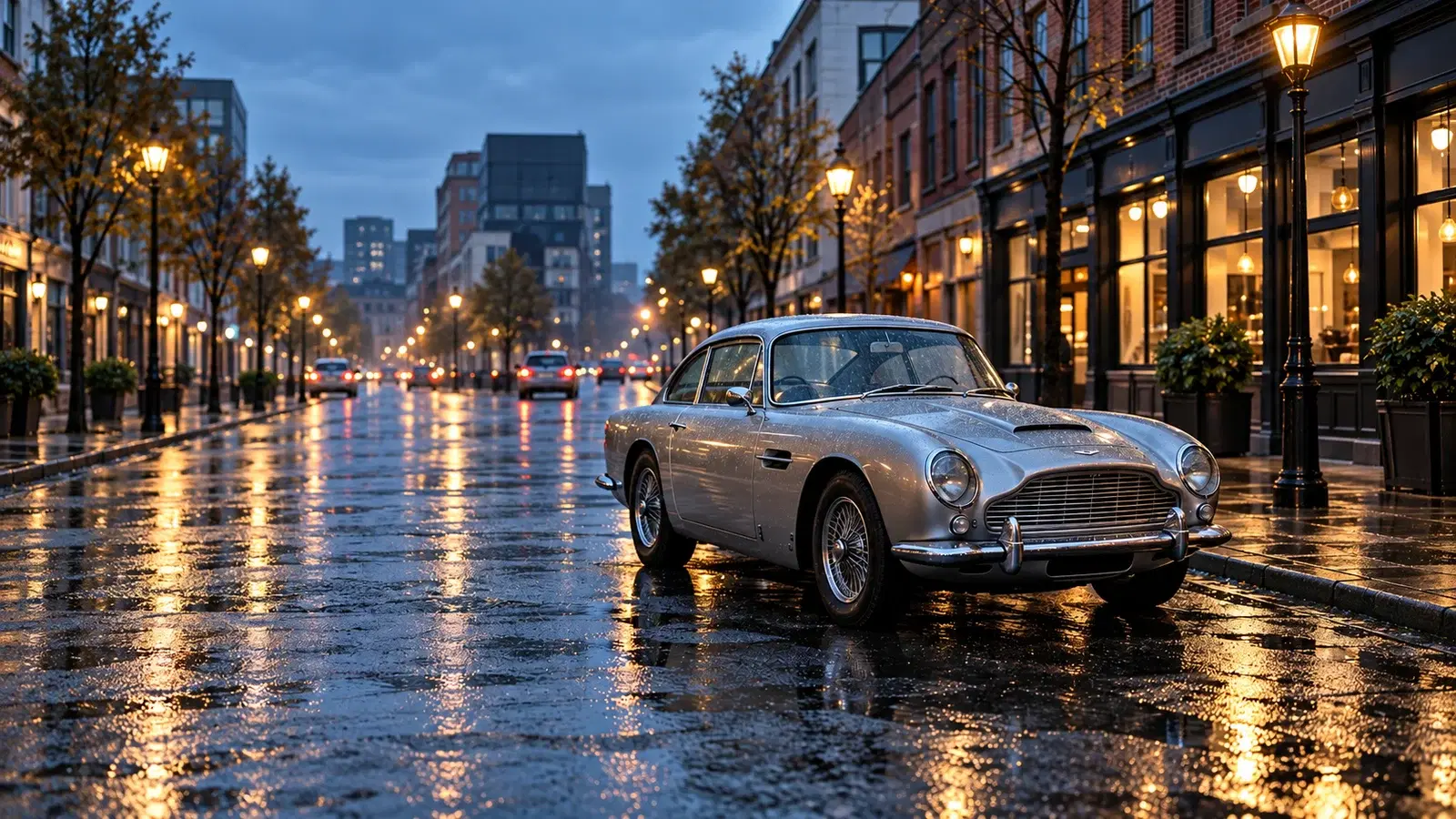
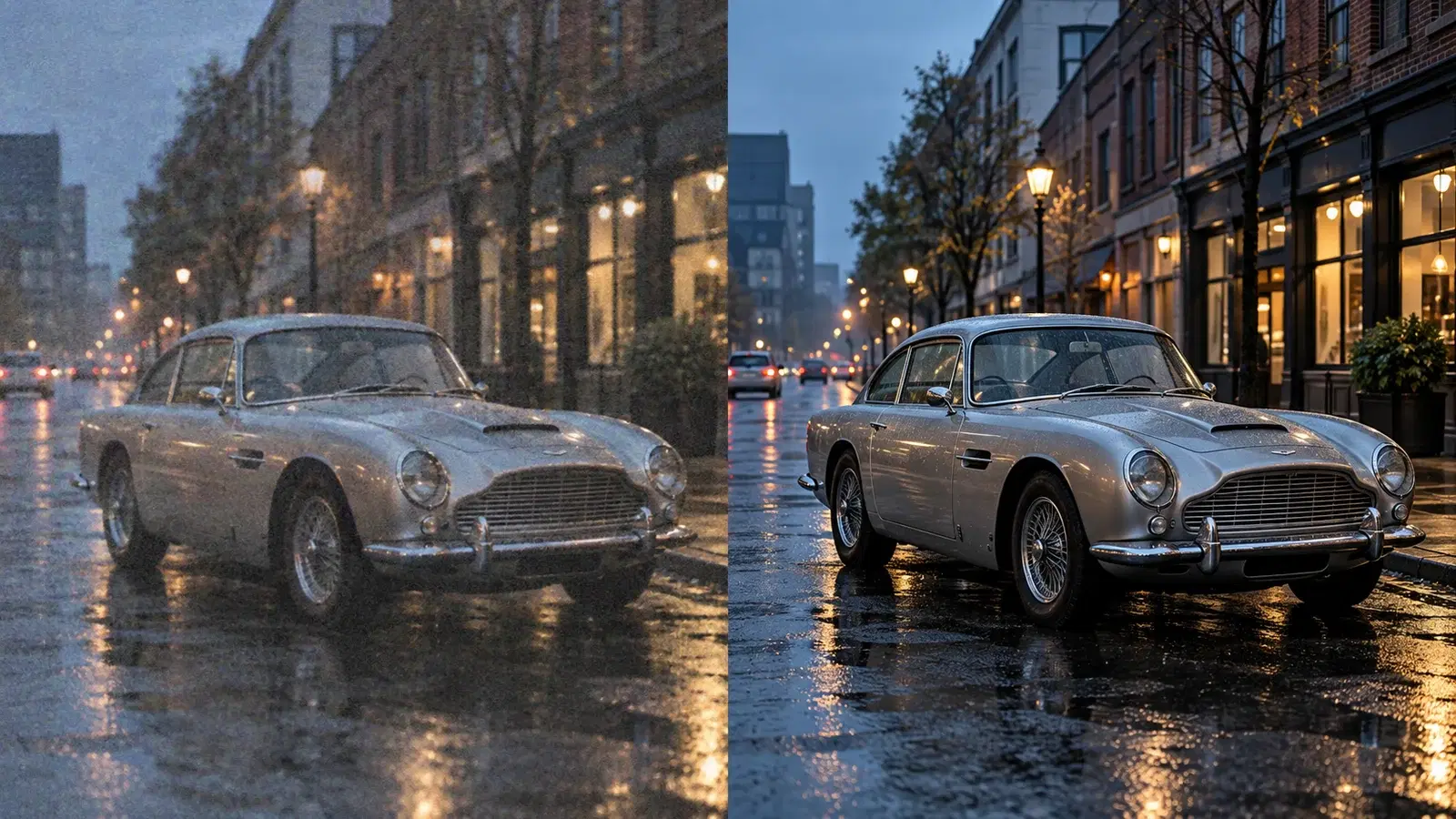
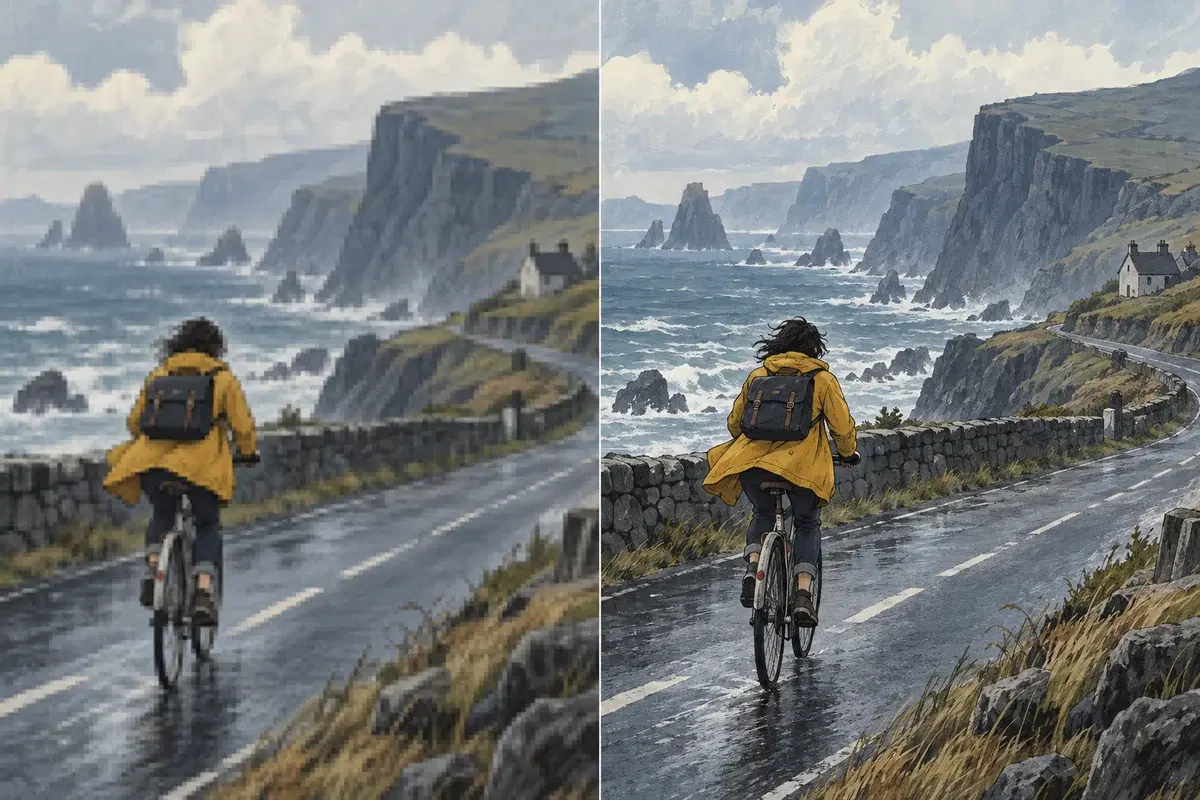
Upscale without losing detail
AI reconstructs real texture as it upscales, so enhanced video and photos stay sharp instead of looking blown up.
- Upscale up to 4K
- Recovers real detail
- Frame-consistent results
The best offline AI video & image enhancer for Windows
Enhance low-resolution clips and grainy photos on your PC. Upscale, denoise, sharpen, and restore detail with GPU acceleration — no uploads, no per-file credits, and your media never leaves your computer.

Powerful local AI to upscale, restore, and clean up your video and photos.
Boost low-resolution video and images with AI super-resolution that adds real detail.
Remove grain and compression artifacts and recover crisp edges without over-processing.
Bring faded, blurry, or damaged footage and photos back to life.
General, Anime, and Portrait models tuned for different content types.
Enhance single images or full video clips with the same simple workflow.
All processing happens locally on your PC — your media never leaves your device.
Jump straight to the right tool — upscale, deblur, denoise, or restore video and photos, all offline on your Windows PC.
A DirectML-powered engine taps your NVIDIA, AMD, or Intel GPU to enhance multiple files at once, so you ship more in less time.


AI reconstructs real texture as it upscales, so enhanced video and photos stay sharp instead of looking blown up.
Every frame is processed locally with offline AI. No uploads, no cloud queue, no per-file credits — and your footage stays private.

A DirectML-powered engine taps your NVIDIA, AMD, or Intel GPU to enhance multiple files at once, so you ship more in less time.
Enhance low-resolution clips and grainy photos on your PC. Upscale, denoise, sharpen, and restore detail with GPU acceleration — no uploads, no per-file credits, and your media never leaves your computer.

Upscale archival footage and clean up noisy shots without expensive reshoots.

Turn low-res clips into crisp, platform-ready video that stands out.

Restore old family photos and sharpen soft shots for print or sharing.
Enhancement speed depends on your GPU model and target resolution.
Powerful local AI to upscale, restore, and clean up your video and photos.
Yes. Enhancing runs entirely on your PC — your media is never uploaded.
No. All processing is local, so nothing leaves your computer.
Video and images — upscaling resolution, removing noise, sharpening blur, and restoring old or faded footage.
NVIDIA, AMD, and Intel GPUs are supported via DirectML.
There's no fixed limit; it's bounded only by your hardware, with no per-file credits.
You can go from 480p to 1080p or from 1080p to 4K. A 4x jump from 480p straight to 4K is a very large gap — for best quality, upscale in steps or expect that some source detail cannot be invented.
No. ClapClip upscales the spatial resolution of each frame but keeps the original frame rate and audio intact.
Speed depends on your GPU and the resolution. A dedicated NVIDIA, AMD, or Intel GPU gives the fastest results. Because processing is local, there is no upload or queue wait on top of the render time.
Download ClapClip AI for Windows and start upscaling in minutes.